
The decision this guide helps you make
POS permissions separate routine sales from sensitive actions such as price overrides, refunds, exports and stock corrections. Access should follow responsibility and remain reviewable as staff move between roles or branches.
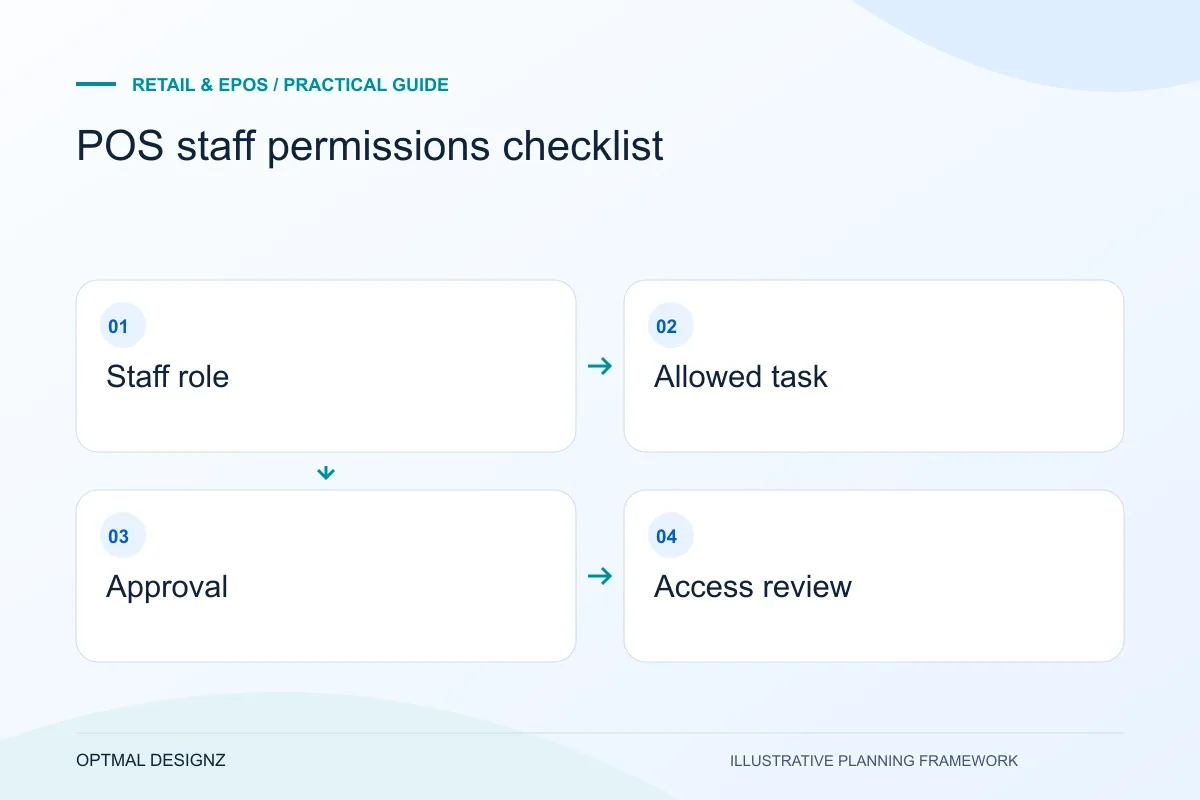
Plan individual staff access, refunds, discounts, stock adjustments, branch boundaries and leaver checks around the tasks each person must perform.
List sensitive actions, approval levels, branch scope and user-removal steps. Test that denied actions remain denied after sign-out, role changes and device changes.
A practical example to test the choice
A cashier could request a refund while an authorised supervisor approves it. The record should show both users rather than hide the decision behind a shared login.
This is an illustrative planning scenario, not a claim about a completed client project. Use your own records and operating rules to confirm whether the approach fits.
Define tasks before choosing a role name
Identify what cashiers, supervisors, stock staff and central administrators need to do. Separate viewing information from changing it, and ordinary sales from sensitive actions such as refunds, price overrides or exports. A role called manager may mean different things across locations and software products.
Include the record boundary too. A member of staff may need to view availability elsewhere without being allowed to adjust another branch’s stock. Check the provider’s actual permission model rather than assuming assignment to a location automatically restricts every record.
Review the friction around approvals
For actions needing approval, decide how staff request it and what happens when the usual supervisor is unavailable. An overcomplicated process can lead to shared credentials or permanent access workarounds. The design should support legitimate service without granting broad authority by default.
Shopify documents POS-specific permissions and staff-management behaviour, some of which depend on the subscription and account configuration. Use the relevant current documentation during setup and verify the proposed roles through tests. A list of permission labels is not evidence that the chosen configuration enforces your intended boundary.
Keep access current as the team changes
Agree how individual access is created, changed and removed, including temporary cover. Confirm who reviews sensitive actions and handles suspected mistakes. Where available and appropriate, individual identification helps distinguish who performed an action instead of attributing every transaction to a shared account.
Test both allowed and denied tasks with representative users before rollout. Revisit the permissions after adding a branch, integration or new transaction type. The aim is a practical operating arrangement with an accountable owner, not a one-time settings exercise that nobody maintains.
Keep a counter-task permission matrix
Write the actions staff need in ordinary language and map them to the actual provider settings. Include the person authorised to approve an exception and the evidence needed for a sensitive action. Test the mapping on the intended account and record any product limitation. Review it when responsibilities change, not only when the application adds a feature. The matrix should also show which access can be removed immediately and which operational hand-off is needed when an employee leaves.
| Staff task | Boundary to test |
|---|---|
| Ordinary sale | Required action available without broad administration |
| Refund or override | Approval and record visibility follow the agreed rule |
| Branch stock change | Allowed location and correction responsibility are clear |
Worked example: a planning exercise
Hypothetical example: cashiers need to sell and search products, while only supervisors should approve larger manual discounts. The pilot tests the ordinary sale, a discount request and a supervisor’s absence. It also checks that a former staff account cannot continue signing in after the agreed removal process.
Your practical checklist
Use these checks to turn the discussion into decisions that can be assigned, tested and reviewed.
- List ordinary and sensitive tasks for each staff group.
- Define branch and record boundaries separately from job titles.
- Check current provider permissions for the intended account.
- Provide a workable approval and temporary-cover procedure.
- Test authorised actions and denied attempts.
- Assign joiner, mover, leaver and recurring access reviews.
Apply the checklist to your UK project
Use the actual UK store, provider account and device models. Follow a sale, return and reconciliation through every affected system rather than relying on a generic till demonstration.
Use the example above to discuss pos staff permissions checklist with the people who will use or approve the result. Ask a supplier to demonstrate the expected output, explain a failure case and identify what is excluded from the proposal.
Related services and next steps
Sources and further reading
Check source guidance directly, especially where platform details or requirements can change.