
Sales and returns
Define product selection, receipts, authorised discounts, exchanges and refunds for the actual operation.
POS and EPOS software supports the point where a business records a sale. A project can combine till workflows, product lookup, discounts, returns, stock updates and reporting, with payment terminals and back-office systems connected where supported.
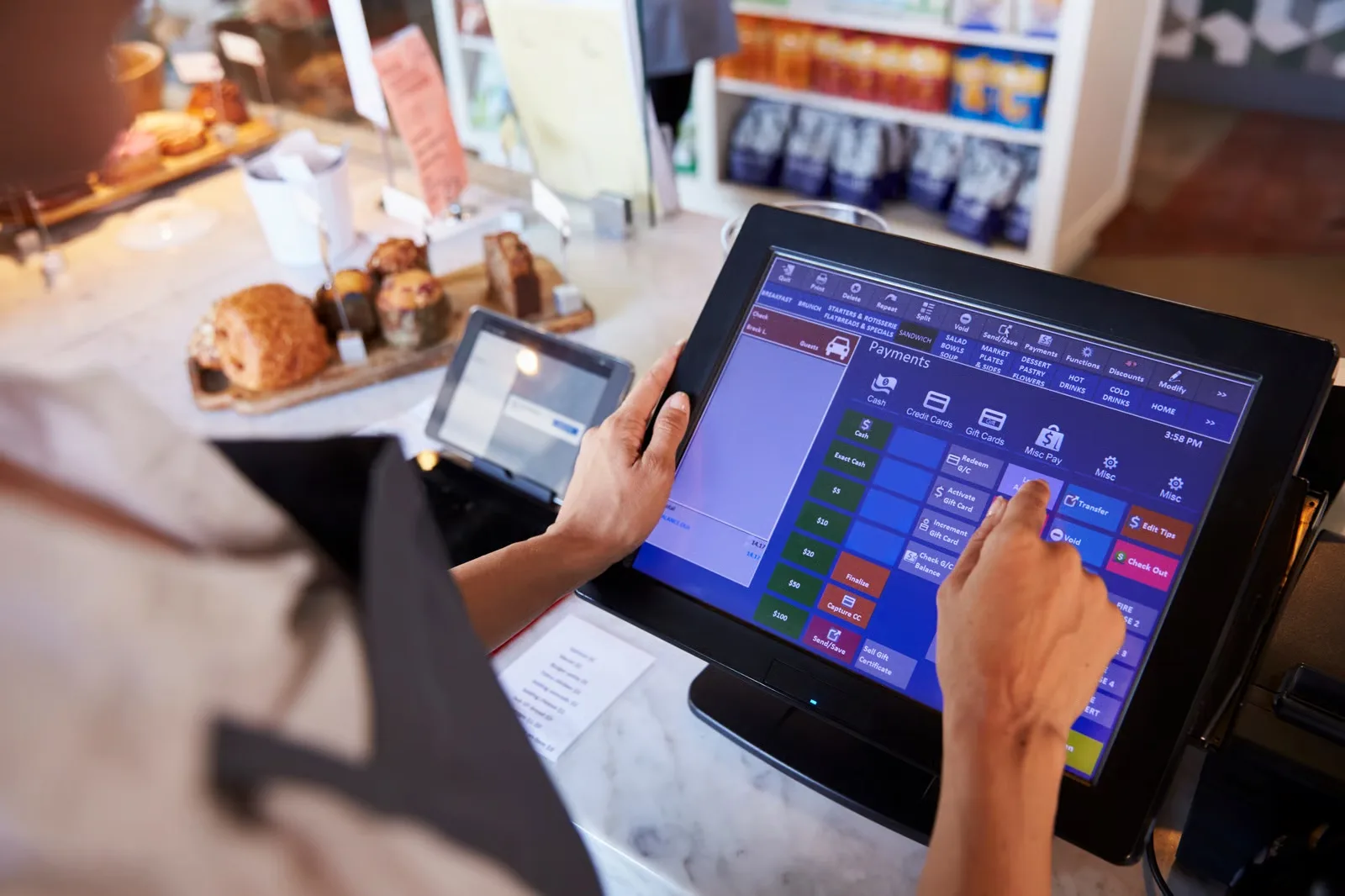
For retailers and hospitality teams whose current tills create slow checkout, unreliable stock figures or difficult reconciliation between channels and branches.
Define product selection, receipts, authorised discounts, exchanges and refunds for the actual operation.
Link sales, returns, deliveries and branch transfers to agreed stock records.
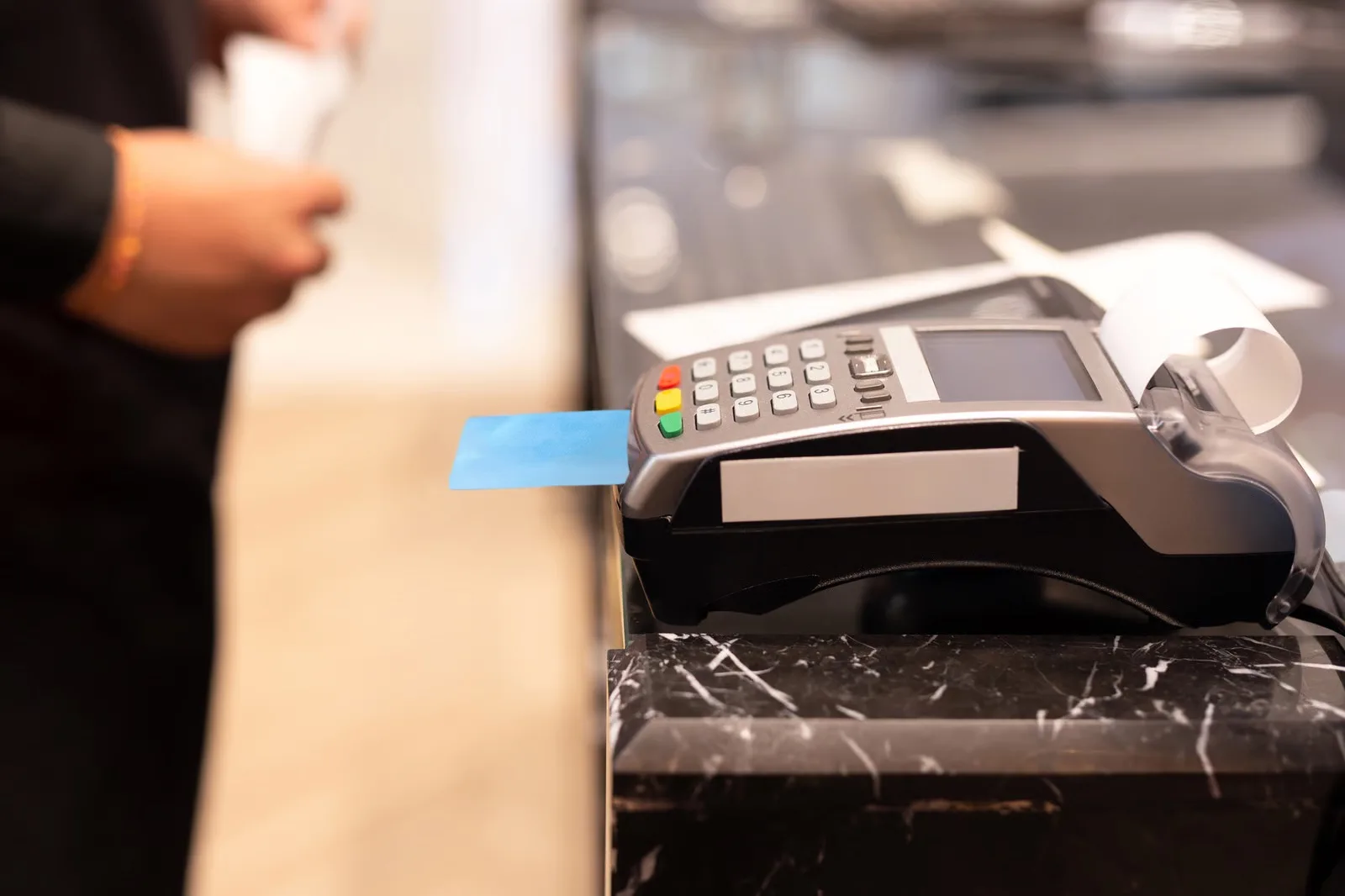
Assess provider-supported terminal or online payment connections; authorisation and settlement remain separate events.
Plan staff permissions, product and price changes, till sessions and consolidated reports.
A shop could record a return against the original sale, apply the approved refund workflow and update the correct stock location while retaining a reviewable transaction history.
This describes a possible scope, not a claimed client result.A device and workflow assessment, agreed till functions, supported connections, acceptance cases and a pilot rollout plan. Hardware supply, payment processing, offline behaviour and provider approval must be confirmed individually.
An existing EPOS platform with a focused integration may be sufficient. A custom POS build needs a clear reason and realistic device, payment and support requirements.
For a UK operation, test a representative sale, return, delivery and stock adjustment using the actual channels and provider accounts. If several stores share inventory, decide which location owns the goods while a transfer is in transit.
Optimal Designz is operated by Optimal Design Solutions SMC-PVT Ltd., registered in Pakistan. Delivery arrangements, supported languages, system compatibility and ongoing support are confirmed in the written scope; this country edition does not imply a local office.
Have a similar task in mind? Share your current tools, the people involved and one complete example.
Discuss this requirementSee the capabilities, workflows and delivery choices behind the service. Start with the work you need to complete.
Begin with the people, processes and systems involved. These details help define what the work needs to support.
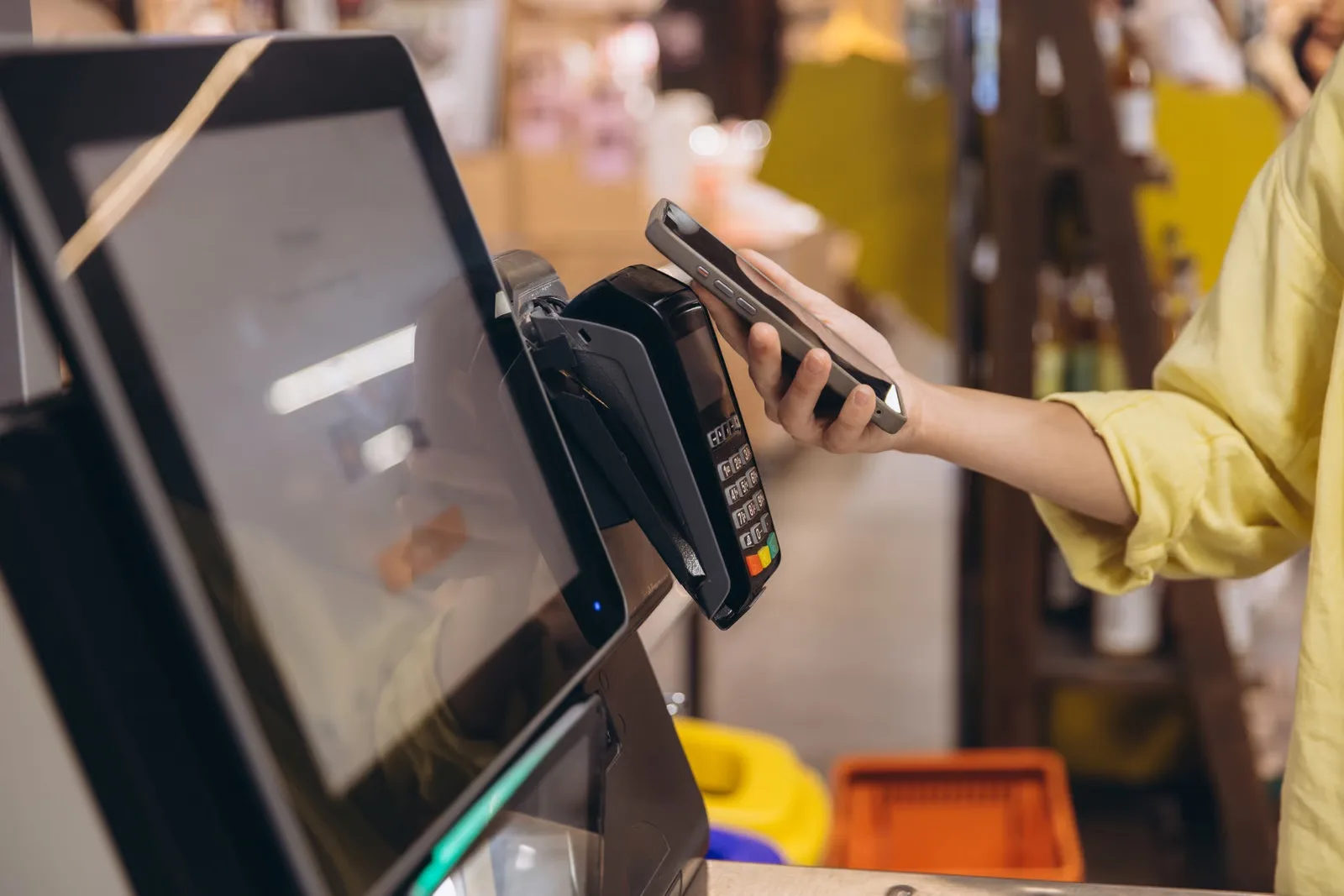
We review how sales are recorded, products and prices are managed, staff use the system, returns are handled and reports are produced. The goal is to understand the real operational needs before selecting a technical route.
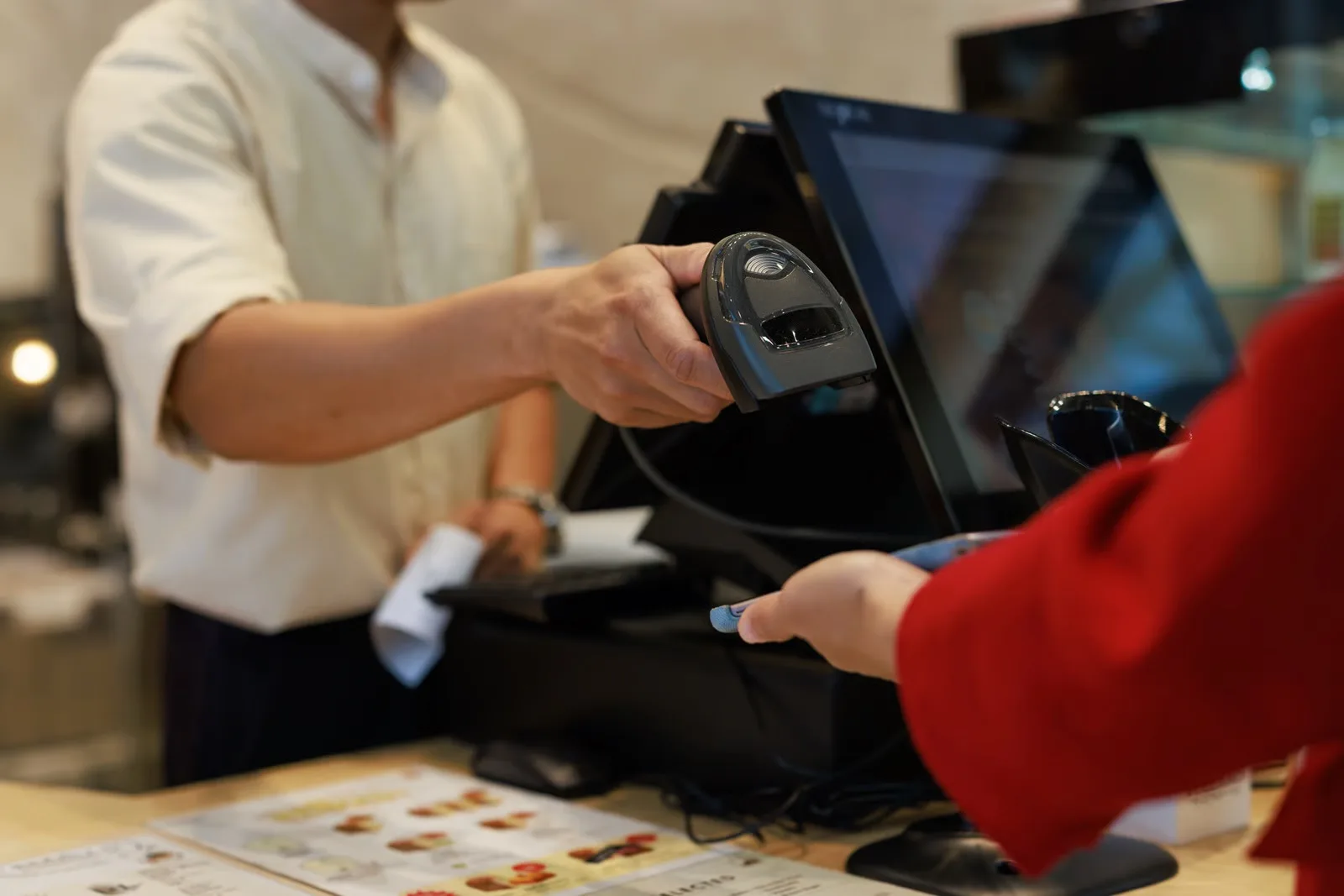
Follow a normal sale and the exceptions: an item without a readable barcode, an incorrect price, a discount requiring approval and a return after the original transaction. Include staff permissions and end-of-day reconciliation. These details show where the current checkout helps the team and where it creates extra work.
Many businesses are best served by an established POS platform. Others may need tailored extensions, integrations or a custom application for specific workflows. We assess fit, cost, hardware dependencies and vendor capabilities before recommending a direction.
Start by checking whether the current supplier already supports the required workflow through configuration or an available interface. A custom application or extension needs a clear reason, such as unusual branch pricing or an unsupported stock hand-off. Agree what remains in the existing POS and what the new work will own.
Depending on scope: product and price management, sales records, returns workflows, stock updates, user roles, branch reporting, promotions, customer records and connections to ecommerce or accounting platforms.
Prioritise the capabilities staff need on the first day. For each one, define the required input, who can change it and what should happen afterwards. A refund, for example, can affect the payment, receipt, stock quantity and reporting; the design needs to account for the full transaction.
Explore the design, functionality and connections that can make the service fit its day-to-day use.
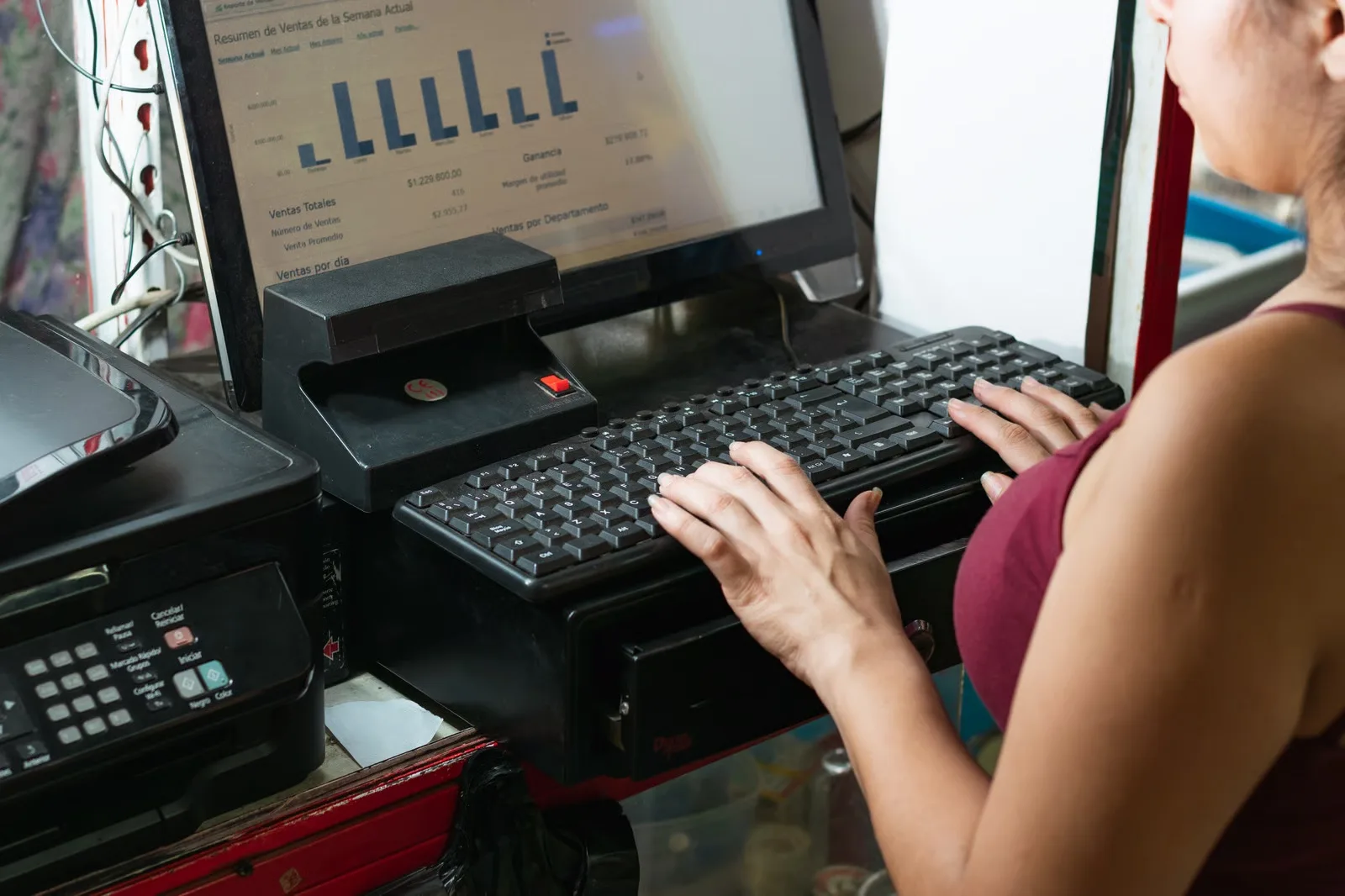
A retail EPOS system may need product variants, stock control, supplier workflows and multi-location reporting. Hospitality may involve table or order workflows, kitchen coordination, menu management and service-specific integrations. Requirements differ by venue.
Use examples from the actual operation when comparing options. A clothing shop may need size and colour variants, while a food venue may need modifiers, order routing and split bills. These are requirements to assess, not a promise that every platform or proposed integration supports them.
Retail POS software should be assessed against the shop’s products and daily transactions. Test stock quantities, variants, discounts, returns and online-order updates with representative examples. Keep hardware purchases, payment-processing contracts and software development scope separate when comparing proposals.
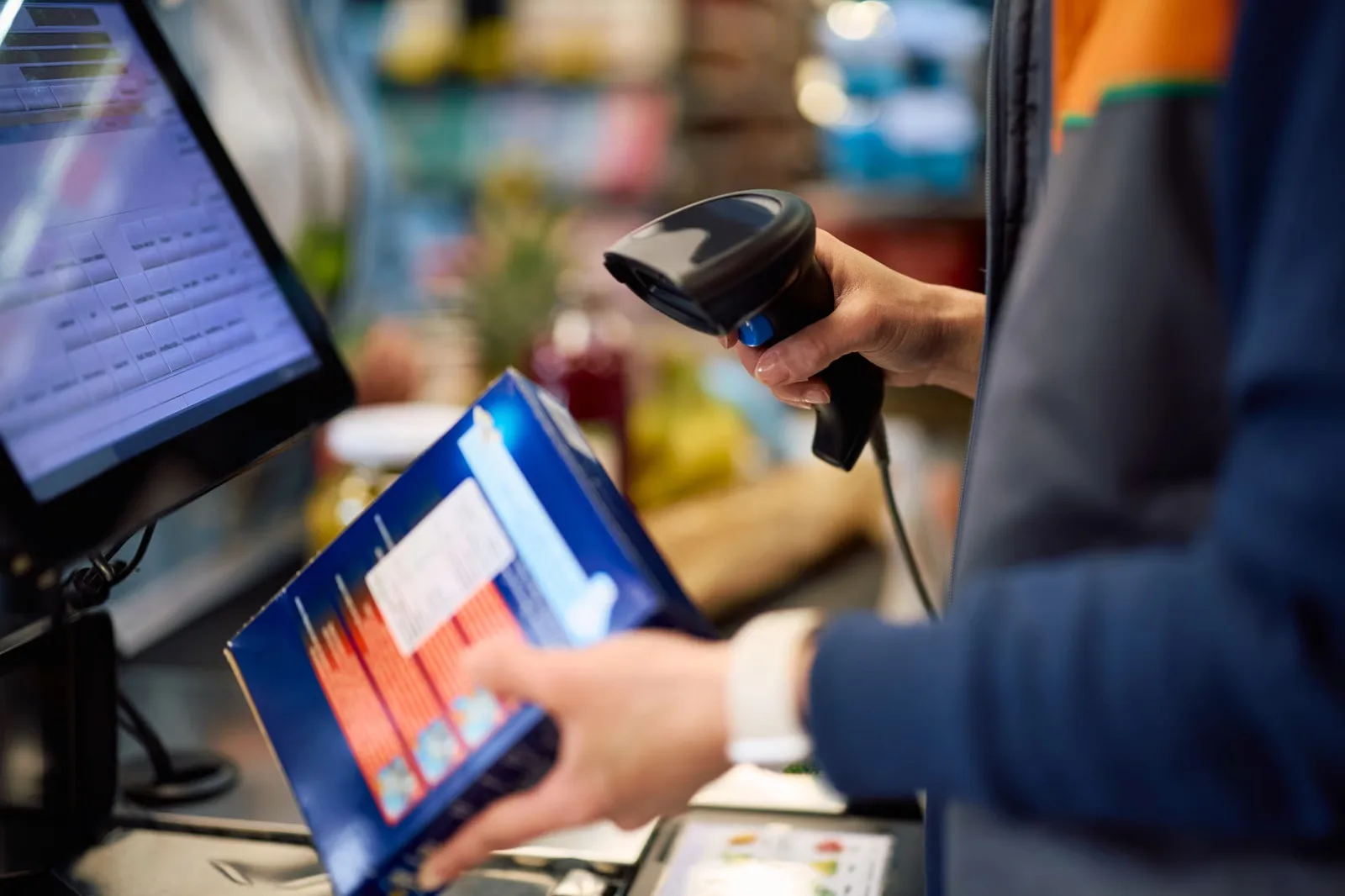
Card payments, terminals, printers, scanners and cash drawers depend on compatible providers and hardware. Payment processing and sensitive card data should be handled through suitable payment providers and compliant architectures.
Confirm the exact till device, operating system, printer, scanner and payment terminal models rather than assuming any peripheral will work. Offline sales and card acceptance depend on the platform, provider and device. Separate those checks from software development, and verify the current supplier terms before relying on offline operation.
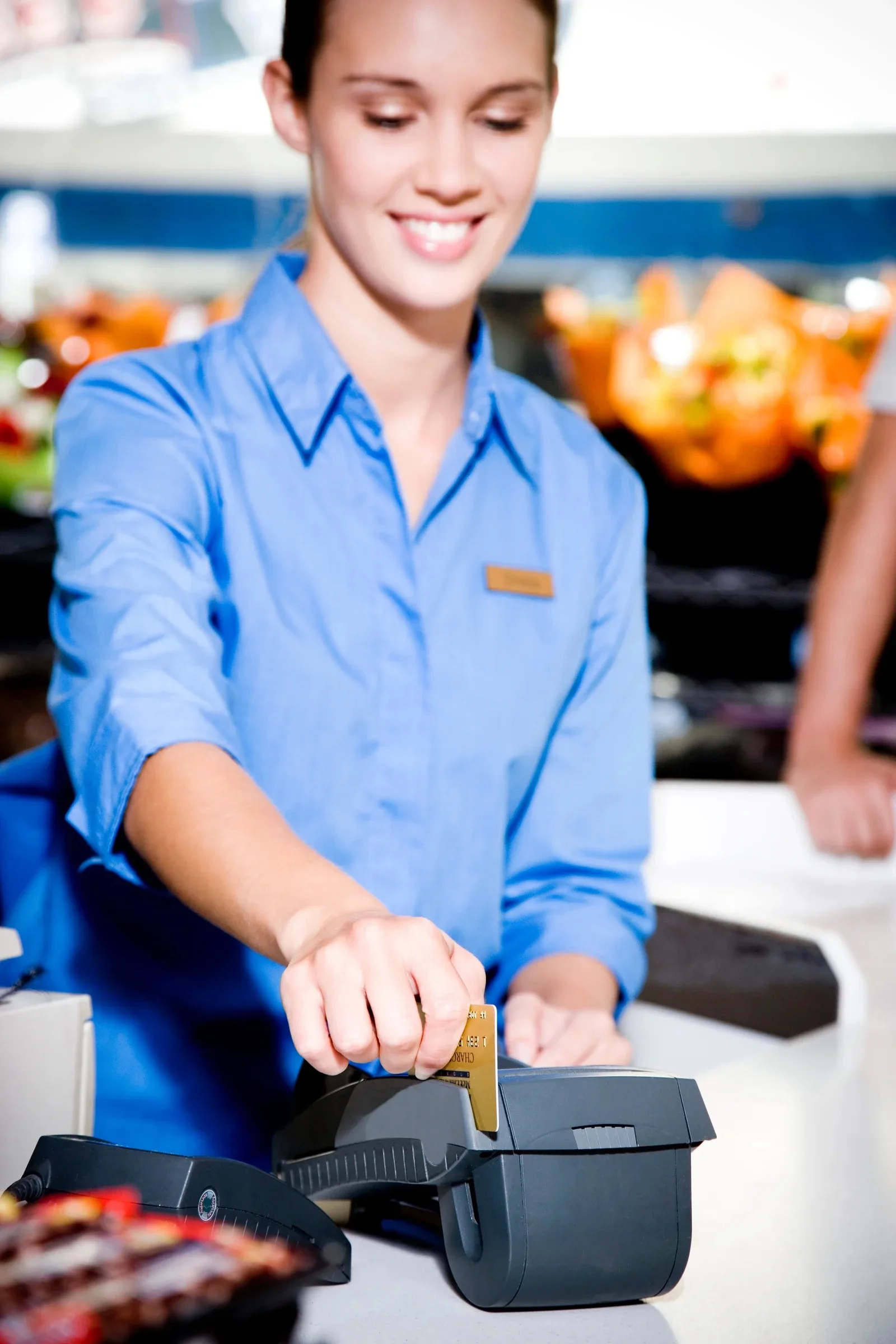
Sales and stock data can support operational reporting, replenishment and branch-level visibility when definitions and data flows are designed consistently.
Agree how sales, returns, cancellations, transfers and damaged stock change the figures. Where an online store shares inventory with a physical location, decide which system owns availability and how delayed or failed updates are reconciled. Consistent product identifiers and tested exception handling are essential to useful reports.
Consider testing, handover and the next steps as part of a clear delivery plan.
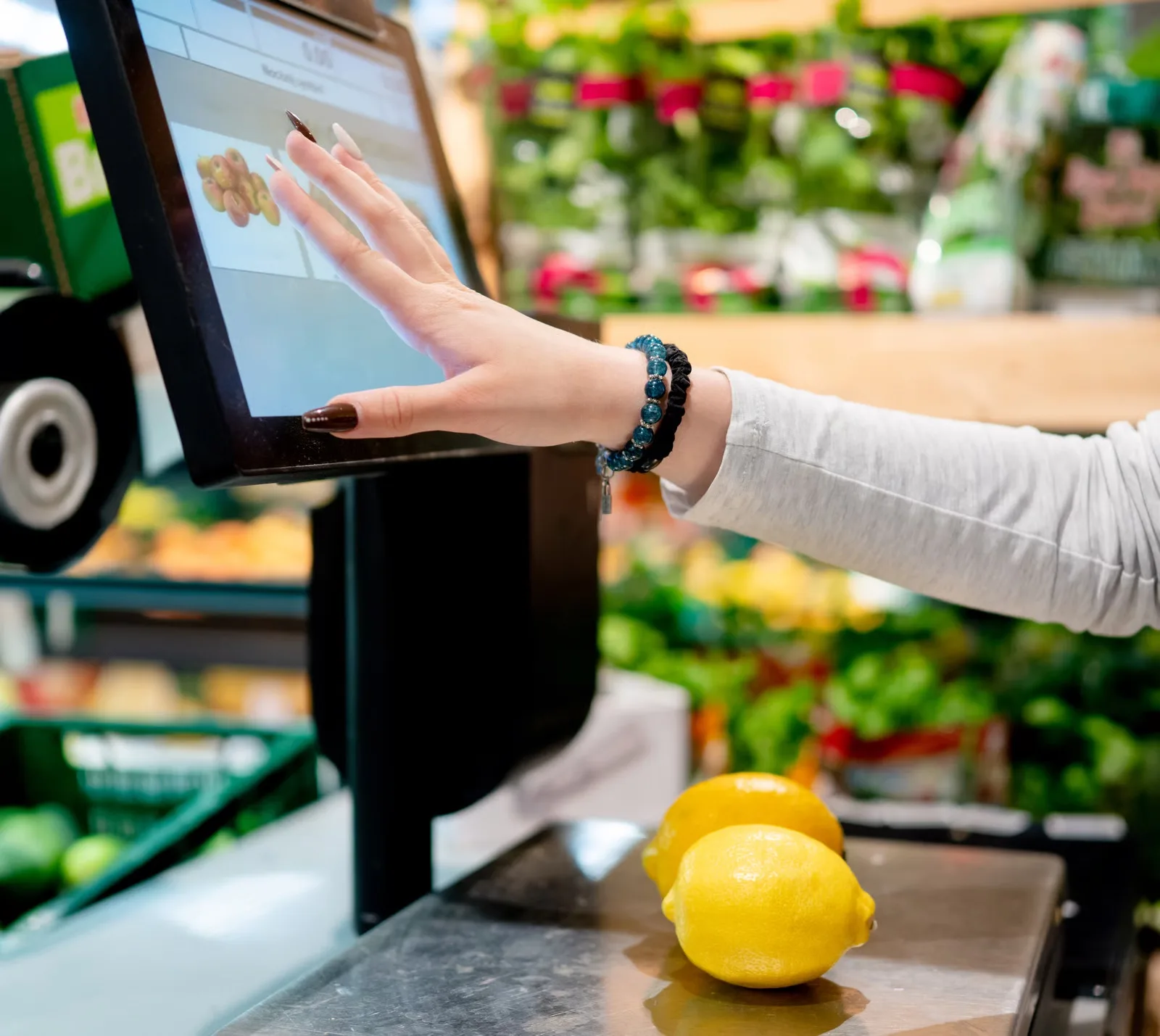
We map workflows, confirm hardware and platform constraints, design integrations, test sales and exception scenarios, plan deployment and provide agreed handover. Multi-site rollouts may need phased implementation.
Begin with a pilot location or a controlled test of the agreed workflows where practical. Reconcile opening stock, sample transactions and closing totals, then prepare staff access and guidance. Agree a recovery plan and who handles software, payment-provider and hardware issues during the changeover.
Explore the supporting detail after reviewing the capabilities and project choices.
Connect what happens at the till with the stock, staff and reporting behind it. We help UK retail and hospitality businesses plan point of sale systems, tailored POS software and integrations, checking existing platforms and hardware before deciding what needs to be built.
Practical answers to help you compare options and prepare for a useful project conversation.
For retailers and hospitality teams whose current tills create slow checkout, unreliable stock figures or difficult reconciliation between channels and branches.
POS and EPOS software supports the point where a business records a sale. A project can combine till workflows, product lookup, discounts, returns, stock updates and reporting, with payment terminals and back-office systems connected where supported.
POS describes the point-of-sale process, while EPOS commonly refers to an electronic till and its software. Buyers should compare the actual hardware, payments, stock, reporting and support requirements rather than rely on labels alone.
A tailored solution may be appropriate for unusual pricing, shared stock rules or operational requirements that existing systems cannot handle. Compare standard EPOS software and approved integrations first because payments and hardware can add complexity.
The main cost factors are till workflows, devices, branches, returns, payment interfaces and stock reconciliation. Compare a focused first release with a wider build, and separate development from hosting, provider licences, usage and support. Share one representative task and your current systems so the estimate can state deliverables, assumptions and exclusions.
Potentially. Reliable retail POS integration requires common product identifiers, clear stock ownership, handling for cancelled orders and reconciliation of refunds and discounts between channels.
Depending on the venue, useful workflows can include tables, split bills, modifiers, kitchen tickets, staff permissions and payment settlement. A restaurant POS system should be tested during realistic busy-service scenarios.
Offline behaviour depends on the product, payment technology and architecture. Ask exactly which actions remain available, where offline sales are stored and how records are reconciled once connectivity returns.
Payment integration and data handling have specific provider and security requirements. Confirm the relevant card-processing architecture, third-party obligations and compliance responsibilities before promising a custom checkout solution.
Multi-site setups may need central product catalogues, branch prices, location-specific stock, staff roles and consolidated reports. Some decisions should remain local even where management reporting is centralised.
Define whether a receipt is required, how VAT and promotions are reversed, and whether returned stock is sellable. These exceptions often expose gaps that a simple checkout demonstration misses.
Only after investigating vendor limitations, hardware life, data exports and integration options. A targeted connector or revised stock workflow may solve the problem without changing every till.
The scope should specify supported hardware, payment providers, transaction types, testing environments, integrations, rollout arrangements, training and support. Confirm which external services require separate contracts.
It may join sales activity to inventory and other business records, but a dashboard is only trustworthy when adjustments, discounts, refunds and timing differences are treated consistently.
Not necessarily. First check the exact models, operating systems, supplier support and connections required. Existing devices may be suitable, but compatibility must be confirmed before a software scope or rollout relies on them.
Tell us your business type, number of locations and tills, current POS platform and the stock or payment workflow you need to improve. Include hardware models if you know them.
May we use Google Analytics to understand website visits and completed enquiries? It’s optional, and you can change your choice at any time.
Cookie information