
The decision this guide helps you make
Replacing spreadsheets with business software is useful when shared work needs consistent records, permissions and a controlled next step. First identify which spreadsheet activity is failing; not every workbook needs an application.
Assess shared records, validation, approvals and reporting before replacing a spreadsheet process with a configured tool, integration or custom application.
Map inputs, calculations, approvals and exceptions. Build one complete workflow first and reconcile its results against representative existing records.
A practical example to test the choice
If several staff overwrite a job’s status and no one knows who approved it, a shared workflow with assigned roles may help. A stable one-person calculation may not justify a new system.
This is an illustrative planning scenario, not a claim about a completed client project. Use your own records and operating rules to confirm whether the approach fits.
Distinguish a useful spreadsheet from an operating system
Spreadsheets can be effective for analysis and small, controlled tasks. The problem is not the file format itself. Review whether the workbook has become the shared place where several people create records, change status, approve work and depend on a current answer. That is an operational dependency worth examining.
Look for observable problems: conflicting versions, unexplained formulas, repeated re-entry, uncertain ownership and corrections that nobody can trace. Estimate the effect on the task rather than assuming a replacement will automatically save time. A badly understood process can remain confusing after it becomes an application.
Turn the Saudi operating model into a practical scope
Follow one task across the people and applications involved. A Riyadh sales office may pass an order to a Dammam warehouse; a service business may need customer approvals before billing. Define which record proves each step is complete and who may change it. Compare configuration and targeted integration before deciding a new application is necessary.
Document legal entities, locations, SAR and other currencies, language fields and role permissions. Review permitted personal-data handling and hosting arrangements with the responsible business owners. Use authorised sample records to test the process before moving to live information.
Map the data and the exceptions before choosing a tool
Follow a record from creation to completion. Identify required fields, who can change them, which calculations matter and how approvals work. Include duplicate records, missing values and retrospective corrections. Those details form the basis for configuration, a database application or an integration assessment.
Keep the initial investigation close to the people doing the work. GOV.UK’s user-research guidance discusses learning what people are trying to do and their current difficulties. Applied here, that means observing the actual process, including the email messages and side files that make the workbook usable.
Compare an improvement with a replacement
Possible routes include simplifying the workbook, using an existing business tool, connecting two products or developing a tailored application. Compare them against the same task, access needs, data quality and maintenance responsibilities. A custom build should have a clear gap to fill rather than merely reproduce every sheet as a screen.
Pilot a complete workflow with representative records. Agree how the existing data is cleaned and validated, when staff stop editing the old file and how the team recovers if the pilot fails. Retain exports or historical records according to the business’s agreed needs instead of carrying every obsolete column forward.
Build a workflow-and-data inventory
List the sheets, formulas and side communications that support one complete task. For each, record its purpose, owner, required inputs and the decision it produces. Highlight undocumented steps that only one person understands. Use the inventory to evaluate a simpler workbook as well as replacement software. If the team cannot explain why a column exists or how a total is corrected, resolve that uncertainty before migrating it into a new application where the same confusion may be harder to see.
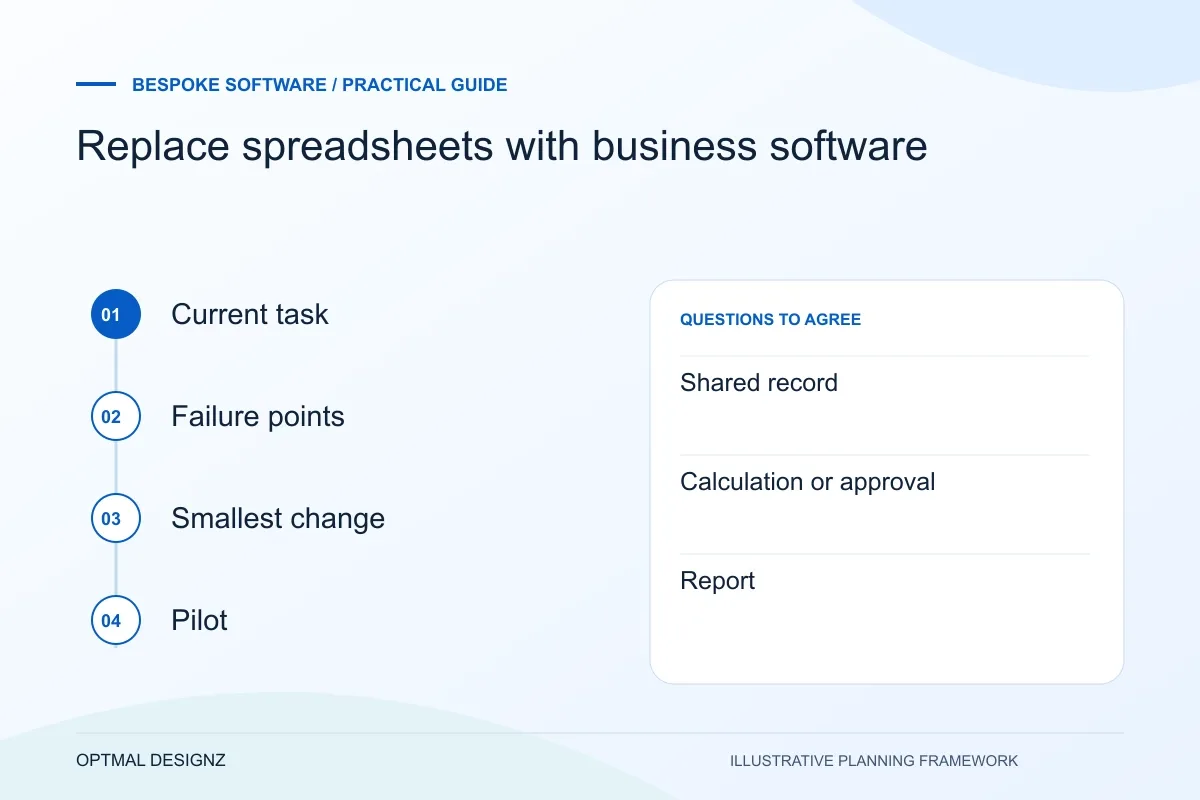
| Current dependency | Question to resolve |
|---|---|
| Shared record | Which copy is authoritative? |
| Calculation or approval | Who defines the correct result and exception? |
| Report | Which operational decision uses the figure? |
Worked example: a planning exercise
Hypothetical example: three branches email stock-adjustment workbooks to an office manager. The delay comes from inconsistent product codes and missing reasons for adjustments. A first phase could standardise those records and approval rules. Only after testing that process should the team decide whether it needs a custom multi-branch application.
Your practical checklist
Use these checks to turn the discussion into decisions that can be assigned, tested and reviewed.
- Identify the task the spreadsheet supports and its business owner.
- Record actual version, validation and permission problems.
- Map required fields, calculations and exception decisions.
- Compare improvement, configuration, connection and custom options.
- Validate sample migrated data and define the changeover point.
- Test one complete workflow before expanding the application.
Apply the checklist to your Saudi project
For a Saudi software brief, specify Arabic/English users, business entities and the approved source of each record. Use representative permission and handover cases, with hosting, data handling and any sector-specific obligations reviewed by the responsible people.
Use the example above to discuss replace spreadsheets with business software with the people who will use or approve the result. Ask a supplier to demonstrate the expected output, explain a failure case and identify what is excluded from the proposal.
Related services and next steps
Sources and further reading
Check source guidance directly, especially where platform details or requirements can change.