Prepare charges
Build draft invoices from agreed orders, milestones, time or recurring service events.

Billing and invoicing software turns agreed charges into controlled documents and tracks what happens afterwards. We develop invoice preparation, approval, credit and payment-status workflows around your finance team’s rules and accounting platform.

For businesses with unusual pricing, staged billing or repeated manual work between completed jobs and finance records.
Build draft invoices from agreed orders, milestones, time or recurring service events.
Separate draft, issued, corrected and cancelled states with authorised actions.
Use supported accounting or payment updates to show partial and outstanding amounts.
Keep credit references, rounding and rejected transfers traceable to their source.
An approved job completion could prepare a draft invoice for finance, with a credit linked to the original document if a later correction is authorised.
This describes a possible scope, not a claimed client result.Finance-approved billing rules, document workflows, selected integrations and reconciliation tests. Statutory invoice requirements and tax treatment need the responsible qualified reviewers.
Use standard accounting-platform invoicing where it fits. Custom work should address a specific billing event, approval rule or operational connection.
For a Saudi finance workflow, distinguish operational billing from any applicable SAR, ZATCA and FATOORA requirements. Have the responsible finance reviewers approve document types, corrections and acceptance examples; a generic integration is not a compliance certification.
Optimal Designz is operated by Optimal Design Solutions SMC-PVT Ltd., registered in Pakistan. Delivery arrangements, supported languages, system compatibility and ongoing support are confirmed in the written scope; this country edition does not imply a local office.
Have a similar task in mind? Share your current tools, the people involved and one complete example.
Discuss this requirementWe map the source data, pricing rules, approval steps, exceptions and accounting destination before designing the solution.
Separate draft documents, issued records and authorised corrections. Define customer identifiers, numbering, line items and reconciliation responsibilities before designing screens.

Define the customer details, products or services and pricing needed on each bill.
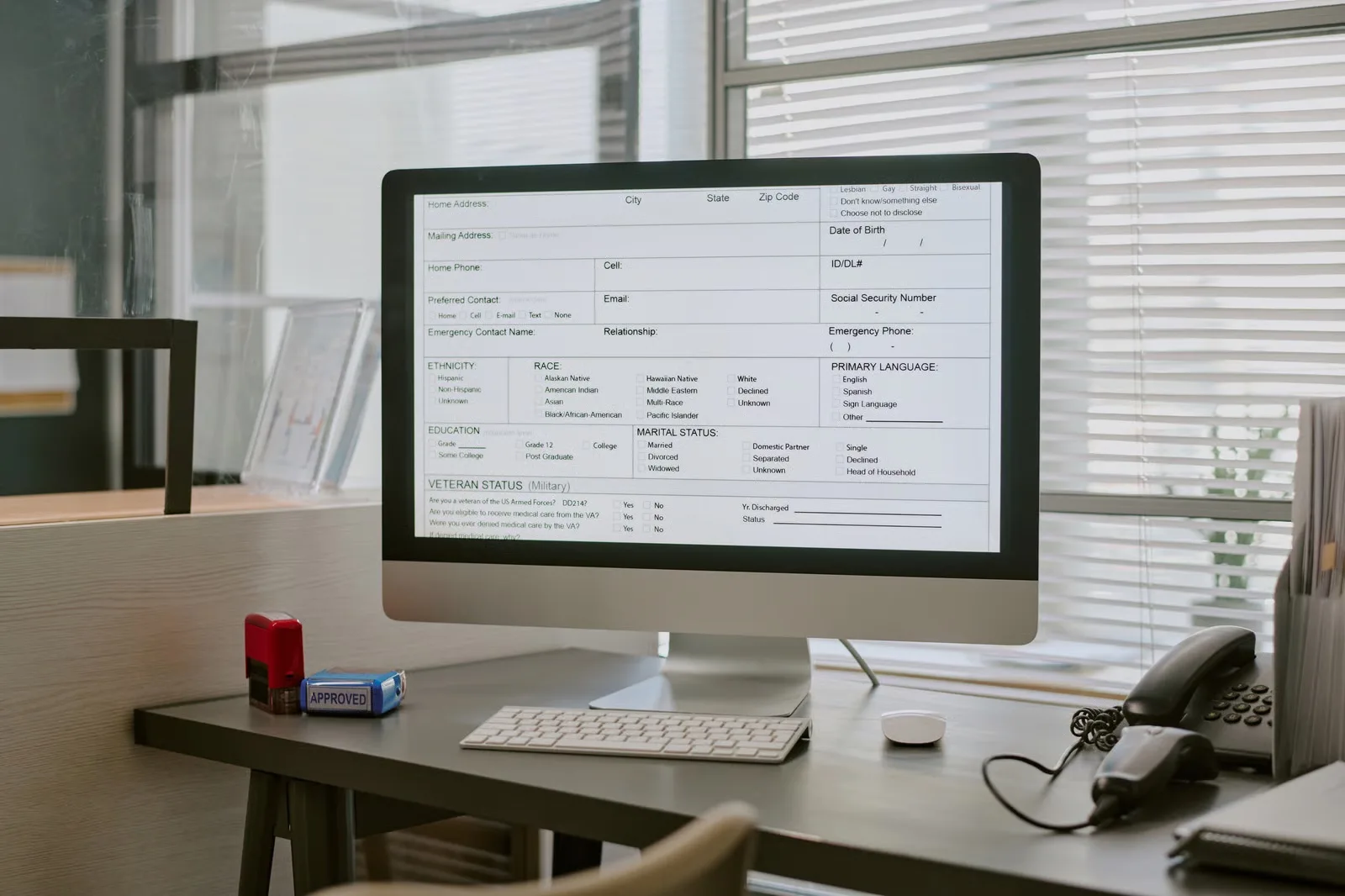
Map drafts, approvals, issue dates, due dates, credits and cancellation handling.

Agree how payment references, part payments and outstanding balances are represented.

Make corrections traceable and keep the relationship to the original transaction clear.

Define how invoice and payment data is checked against accounting records.
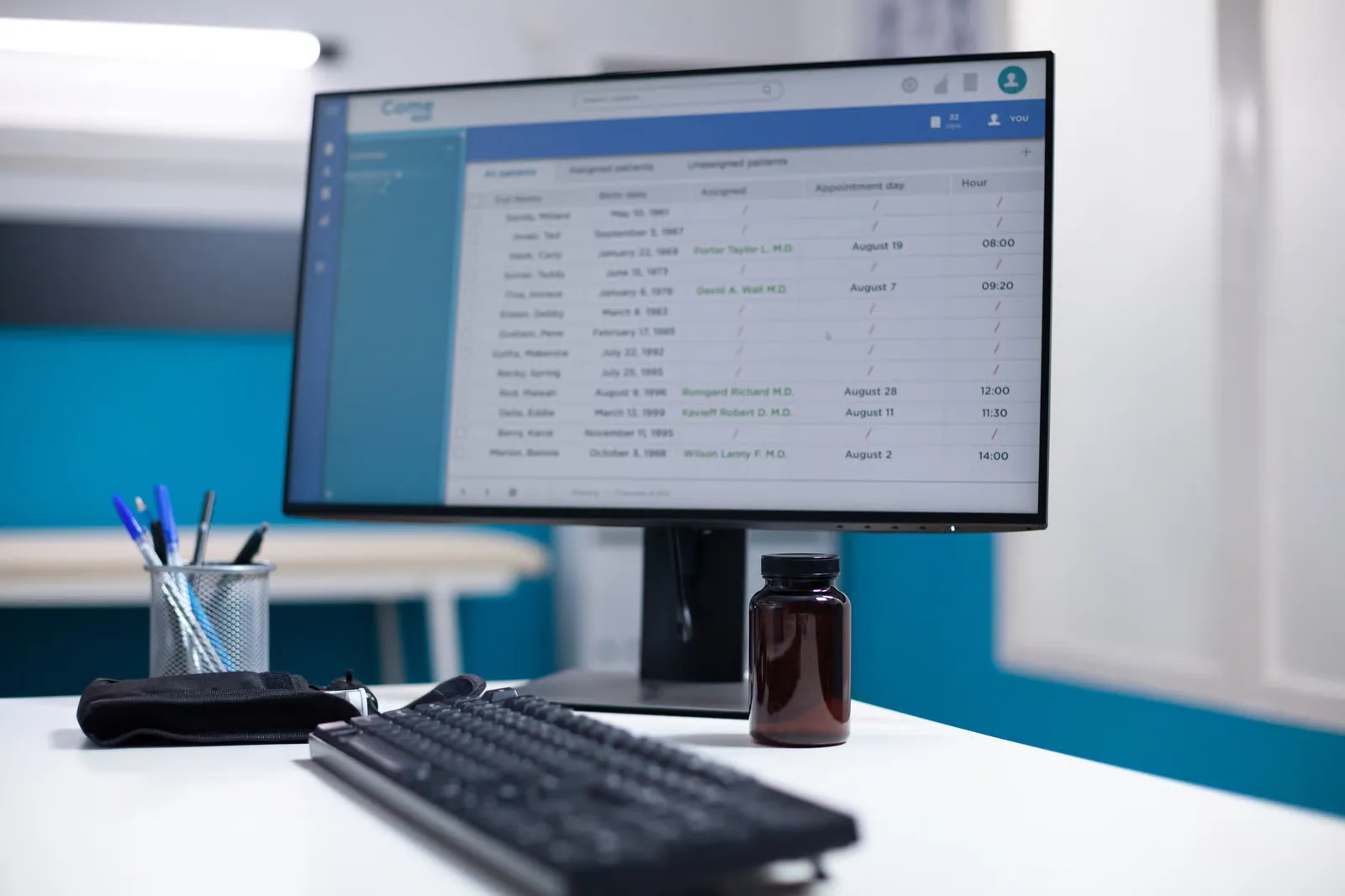
Confirm business-specific calculations and reporting requirements with the responsible adviser.

We map the source data, pricing rules, approval steps, exceptions and accounting destination before designing the solution.
Agree where information originates, which system can change it and how updates or failures are handled. A focused integration or configuration may be more suitable than replacing working tools.
Review applicable invoice types and FATOORA requirements using ZATCA’s current materials with finance. A generated PDF or QR image alone does not establish that the full workflow meets the required specifications.
Existing software, configuration and integration are considered alongside bespoke development.
Explore the supporting detail after reviewing the capabilities and project choices.
Connect quotations, invoices, credits and payment status around the finance-approved workflow of your Saudi business.
Separate draft documents, issued records and authorised corrections. Define customer identifiers, numbering, line items and reconciliation responsibilities before designing screens.
A bill may depend on a completed job, approved timesheet, delivery milestone or subscription period. Map who authorises the amount, how tax is determined by the relevant business rules and what happens when an invoice needs correction. Avoid treating issuing an invoice and receiving payment as the same event.
If billing connects to an accounting package or payment provider, agree how partial payments, refunds, credit notes and duplicate records are handled. Financial workflows need understandable status information and a record of changes. Tax and accounting treatment should be confirmed by appropriate advisers for the actual business and jurisdiction.
Invoice management software should support the steps that happen before and after an invoice is issued: approvals, corrections, credit notes, payment status and reconciliation. Automated invoicing systems can help with predictable billing, but staff still need a way to review exceptions. Billing and accounting systems should agree on customer, tax and transaction records. Payment workflow integration can bring payment updates into operational records, subject to provider capabilities. Billing software development may be relevant for unusual pricing or approval processes. In billing and invoicing software development Saudi Arabia, we map how invoices are created, amended and matched to payments, with financial and tax requirements reviewed by the appropriate specialists.
Practical answers to help you compare options and prepare for a useful project conversation.
For businesses with unusual pricing, staged billing or repeated manual work between completed jobs and finance records.
Billing and invoicing software turns agreed charges into controlled documents and tracks what happens afterwards. We develop invoice preparation, approval, credit and payment-status workflows around your finance team’s rules and accounting platform.
It may include draft invoices, approvals, recurring billing, payment status and accounting integration. First decide which application will remain the authoritative financial record.
Often, where approved time, milestones or deliveries can trigger a draft. A review stage helps prevent invoices being generated from incomplete or disputed work.
Automated invoicing systems can create repeatable drafts from agreed rules. They should still manage missing information, corrections, credit notes and the approval process used by the business.
Matching may depend on payment references, settlement timing, partial payments and fees. Test refunds and failed payments before treating all invoices as settled.
They can store tax-related information, but VAT treatment varies by transaction and business circumstances. Have the design and reports checked against current rules by an appropriate professional.
Decide whether an established accounting platform should issue and retain the official invoice. Duplicating financial records increases the need for reconciliation and ongoing controls.
The main cost factors are finance-approved mappings, invoice types, refunds, fees and reconciliation. Compare a focused first release with a wider build, and separate development from hosting, provider licences, usage and support. Share one representative task and your current systems so the estimate can state deliverables, assumptions and exclusions.
Test ordinary and unusual invoices, tax codes, changes, discounts, credit notes, partial payments, user permissions and reconciliation with the accounting system.
Agree document numbering, required customer fields, line items, currencies and correction rules. Distinguish a quotation, draft invoice, issued invoice and credit note. Share the systems involved, representative examples and the decision-makers who can review the work.
Separate draft documents, issued records and authorised corrections. Define customer identifiers, numbering, line items and reconciliation responsibilities before designing screens. Share the systems involved, sample records and the people authorised to review the work.
Review applicable invoice types and FATOORA requirements using ZATCA’s current materials with finance. A generated PDF or QR image alone does not establish that the full workflow meets the required specifications. Scope, translation, access, delivery and support responsibilities are agreed before development.
Share your Saudi business workflow, the systems you use today and the outcome you want to explore. We’ll agree the scope, dependencies and useful next step.
May we use Google Analytics to understand website visits and completed enquiries? It’s optional, and you can change your choice at any time.
Cookie information