
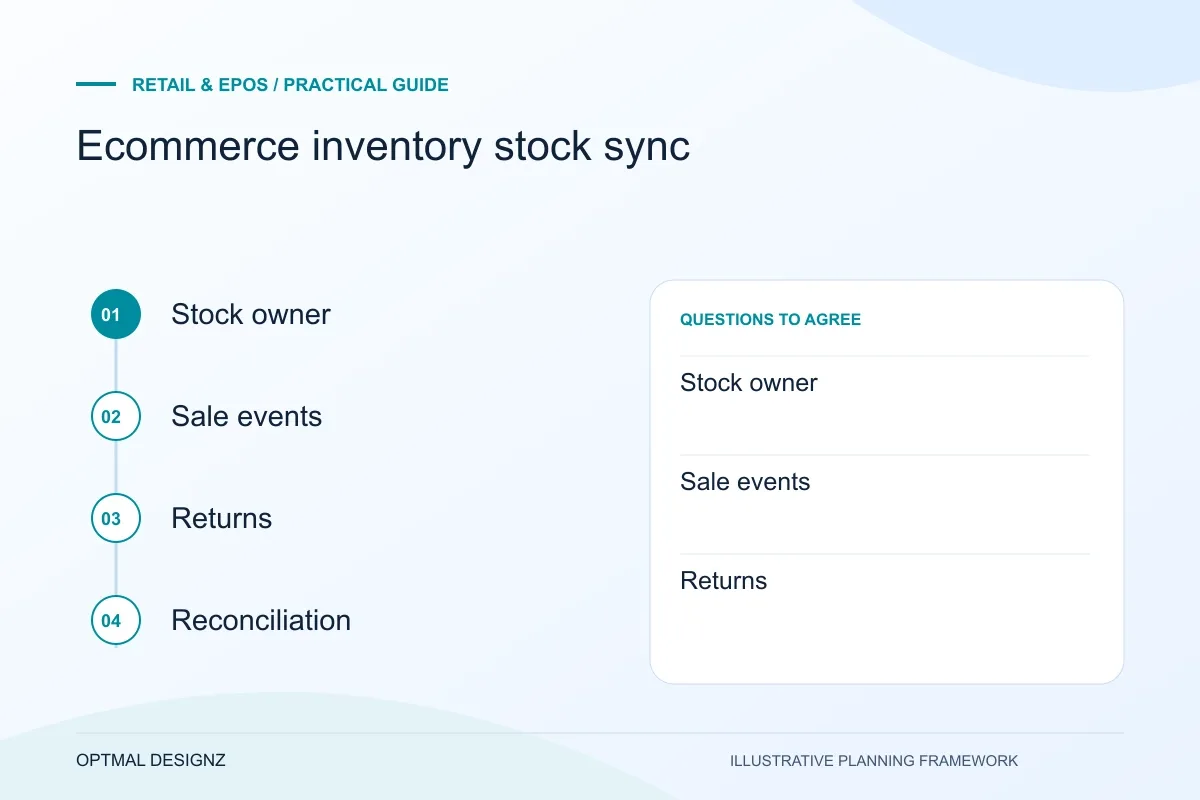
The decision this guide helps you make
Ecommerce stock synchronisation keeps online availability aligned with agreed inventory records. It requires clear ownership, reservation rules, update timing and treatment of returns, transfers and failed updates.
Accurate stock across channels depends on a shared definition of availability, well-timed updates and a clear way to resolve exceptions.
Define the stock source, event timing, identifiers and conflict rules. Test simultaneous sales, partial fulfilment, returns and connection failures.
A practical example to test the choice
The last item sells in a shop while an online customer has it in a basket. The system needs a tested availability and reservation rule rather than an assumption that every update is instantaneous.
This is an illustrative planning scenario, not a claim about a completed client project. Use your own records and operating rules to confirm whether the approach fits.
Decide what “available” means
A product’s physical quantity is not always the quantity a channel should sell. Some units may be reserved, damaged, held for a transfer or allocated to a wholesale order. Agree whether each channel shows on-hand stock, available-to-sell stock or a safety buffer, and how quickly the value must update.
Define the product identifiers and variants used across the storefront, point-of-sale and inventory system. Mismatched SKUs or duplicate product records can cause a correct update to reach the wrong item—or no item at all.
Assess the actual Saudi till, payment and invoice setup
List the POS edition, terminals, printers, scanners and merchant accounts in use. Follow a sale through payment status, stock and finance reconciliation. A product demonstration does not establish support for a specific Saudi terminal, account or interface; obtain confirmation for the chosen setup.
Review invoice requirements with finance using current ZATCA materials, including any applicable FATOORA connection. Plan SAR amounts, returns, branch permissions and recovery when a connection fails. Test a complete sale and correction with representative staff before expanding to more stores.
Map the events in both directions
Trace the events that change stock and the systems that create them. An online order may reserve units before payment is captured; an in-store sale may decrement inventory immediately; a refund may need inspection before a returned item is available again. The integration rules should reflect the business process rather than assume every event is identical.
List which system owns product details, quantities, orders, prices and customer information. Specify which changes flow one way and which may be edited in more than one place. This reduces conflicting updates and makes troubleshooting more straightforward.
- Online and in-store sales
- Reservations, cancellations and failed payments
- Returns, exchanges and damaged goods
- Transfers between locations
- Purchase orders and goods received
- Bundles, variants and channel-specific listings
Plan for delay, duplicates and downtime
No integration can assume every update arrives instantly. Decide how long a channel may use a recent stock value, how conflicting orders are handled and who is alerted to a failed sync. Retries should be safe so a repeated event does not create duplicate orders or apply a stock movement twice.
Test busy periods and low-connectivity scenarios where the system permits it. Reconcile the number of units in each system after a batch of test events and confirm that staff know which screen to trust while an issue is being resolved.
Monitor the workflow after launch
Keep a record of sync status, event time and outcome, with access limited to people who need it. Set a routine for checking exceptions and a process for correcting mismatches without erasing the history of what happened.
Review the integration when channels, product structures or vendor APIs change. If stock accuracy is business-critical, name an operational owner who can work with the technical support contact to resolve issues and approve changes.
Separate transfer events from availability changes
Where branches or warehouses share inventory, document when stock leaves one location, becomes in transit and arrives at another. Verify how each event affects online availability, particularly during partial receipts or delayed updates. A connection should reconcile the agreed inventory states rather than copy whichever quantity was updated most recently.
Apply the checklist to your Saudi project
For a Saudi trading workflow, test sales, returns and branch permissions using the actual SAR, device and provider configuration. Review any invoice connection separately with the responsible finance specialists; a working till is not evidence of statutory approval.
Use the example above to discuss ecommerce inventory stock sync with the people who will use or approve the result. Ask a supplier to demonstrate the expected output, explain a failure case and identify what is excluded from the proposal.
Related services and next steps
Sources and further reading
Check source guidance directly, especially where platform details or requirements can change.