
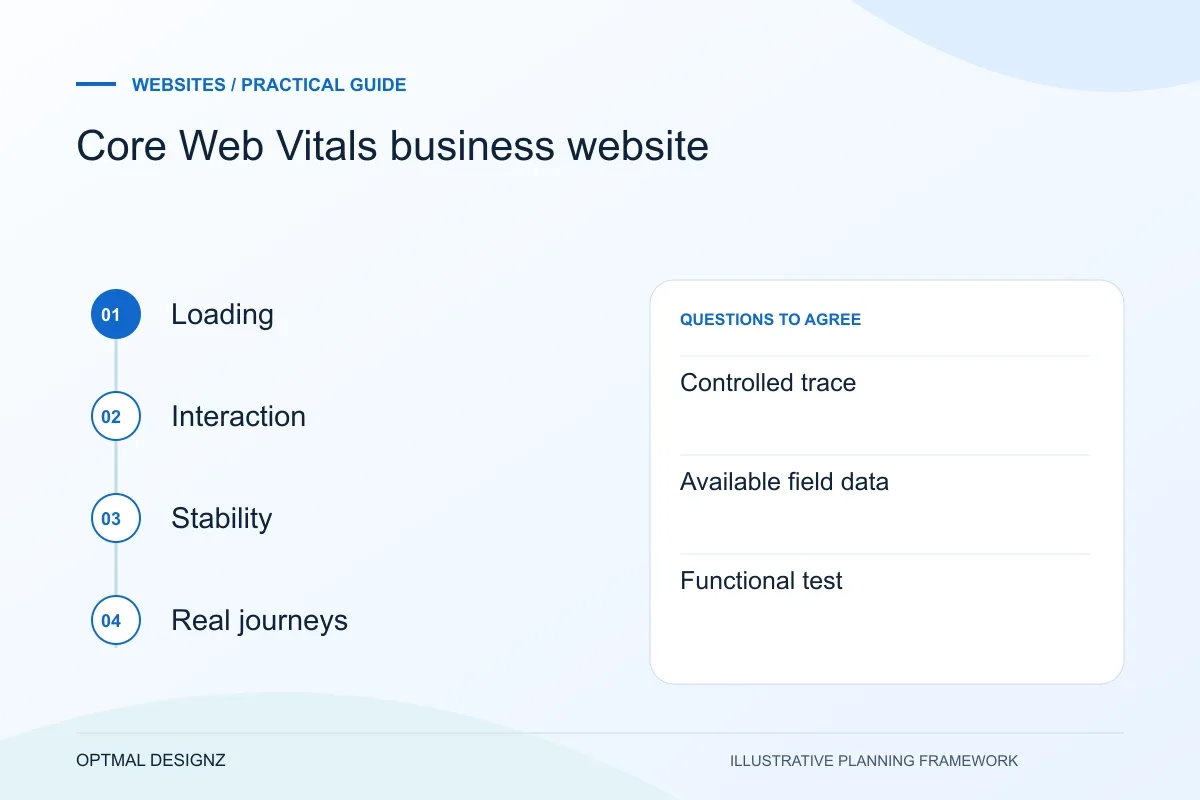
The decision this guide helps you make
Core Web Vitals describe loading, responsiveness and layout stability. Use them to locate a real visitor problem, then inspect the responsible image, script, layout or interaction instead of treating a single laboratory score as the whole experience.
Understand loading, responsiveness and layout stability, then prioritise performance work using both controlled tests and real visitor experience.
Use field data when available and controlled tests to diagnose causes. Prioritise important landing pages and enquiry journeys; a fast page still needs a clear offer and a working form.
A practical example to test the choice
A large hero image can delay the main content, while an image without reserved space can move a form after the visitor starts reading. Each needs a different technical correction.
This is an illustrative planning scenario, not a claim about a completed client project. Use your own records and operating rules to confirm whether the approach fits.
Separate the score from the visitor experience
A performance score can reveal a problem, but it is not a direct measure of revenue or a guarantee of rankings. Start with what visitors experience: waiting for the main content, pressing a control that responds slowly or losing their place when the page moves unexpectedly.
Core Web Vitals cover Largest Contentful Paint, Interaction to Next Paint and Cumulative Layout Shift. The web.dev guidance explains their thresholds and use of field data. Treat a laboratory test as a controlled diagnostic, while field measurements reflect eligible real-user experiences under varying conditions.
Define the Saudi customer journey before the page list
A Saudi business website should make the next customer task clear: compare a service, find a product, request a quotation or complete an order. A Riyadh professional-services firm and a Jeddah trade supplier need different information and enquiry paths. Use accurate service coverage and genuine examples rather than adding near-identical city pages.
Where customers need Arabic and English, plan translation, right-to-left layouts, paired navigation and editorial ownership together. For online selling, confirm SAR presentation, address fields, delivery coverage and the interfaces supported by the actual merchant and logistics accounts.
Identify the slow or unstable part of the journey
Review representative service, article, product and enquiry pages, not just the homepage. Inspect large hero assets, scripts, fonts and layout changes as possible contributors. A development team should use trace information to identify a cause rather than removing every visual asset because a score changed.
Check timing as well as size. Content that appears late, a widget added during interaction or an image without reserved space can affect the experience differently. Prioritise what blocks useful content or a required action, and preserve readable text and functional controls while optimising.
Retest the same conditions and protect the result
Record the page, device profile, network conditions and build when comparing laboratory runs. Repeat enough to recognise variation and investigate meaningful differences. If a site has limited field data, do not label that absence as proof that performance is either good or bad.
After a change, retest the important user journey and analytics consent behaviour. A smaller script bundle is not a success if the enquiry form stops submitting. Keep an asset and third-party-script budget so the improvement is not lost when new content or plugins are introduced.
Build a performance change record
For each proposed optimisation, record the observed bottleneck, the intended change and the journey it must preserve. Include the measurement conditions and a check after deployment. A smaller image, later-loading script or different font strategy can have consequences beyond a score, so specify what must still appear and work. Keep a note of the third-party services needed for the page and why they are included. This supports an ongoing review of performance rather than a one-off screenshot of a favourable test.
| Evidence | Use it for |
|---|---|
| Controlled trace | Investigating the cause of a delay or shift |
| Available field data | Understanding eligible real visitor experiences |
| Functional test | Confirming the optimisation preserved the task |
Worked example: a planning exercise
Hypothetical example: a site achieves a strong homepage score but its quote page loads several unused widgets before the form becomes usable. The useful action is to investigate that route and its loading sequence, then retest submission. Chasing the final point on an already fast homepage would address a different problem.
Your practical checklist
Use these checks to turn the discussion into decisions that can be assigned, tested and reviewed.
- Choose the pages and actions most important to visitors.
- Distinguish field evidence from controlled laboratory measurements.
- Record test conditions and the exact version being compared.
- Investigate main-content loading, interaction delays and layout shifts.
- Retest forms and navigation after performance changes.
- Review new images, fonts and third-party scripts before release.
Apply the checklist to your Saudi project
For a Saudi brief, define which customer tasks need Arabic, English or both, including right-to-left navigation, dates and form confirmations. Confirm genuine service coverage and, for commerce, the selected payment, delivery and finance interfaces.
Use the example above to discuss core web vitals business website with the people who will use or approve the result. Ask a supplier to demonstrate the expected output, explain a failure case and identify what is excluded from the proposal.
Related services and next steps
Sources and further reading
Check source guidance directly, especially where platform details or requirements can change.