
The decision this guide helps you make
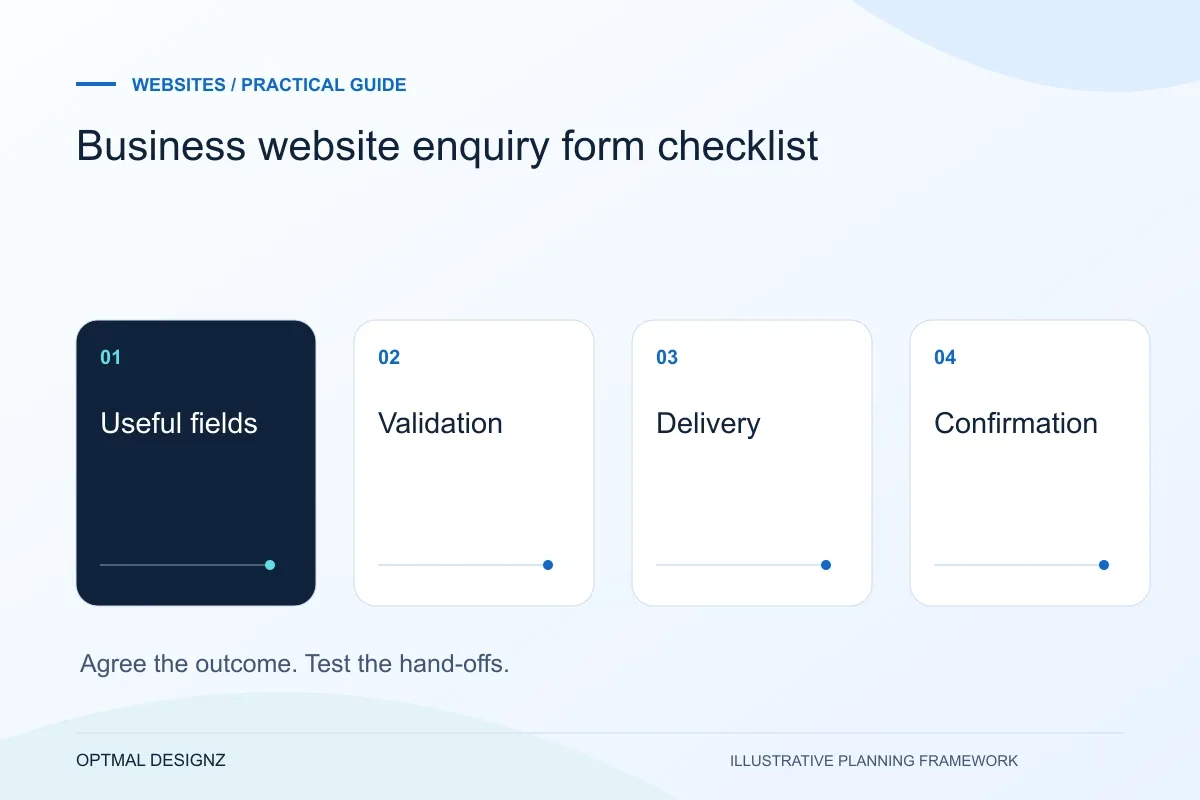
A useful enquiry form gathers enough context for the next conversation, validates required fields and tells the visitor whether submission succeeded. It must deliver the message to the intended recipient and provide a recovery route if sending fails.
Check field choices, validation, delivery, recovery and lead measurement so your contact form produces a useful enquiry rather than a misleading confirmation.
Keep questions relevant, label optional fields, test keyboard and mobile use, and verify the received email. Track successful submission separately from a click on the send button.
A practical example to test the choice
A visitor submits a project description, sees a success message only after the server accepts it and receives a clear error if delivery cannot be confirmed. Merely opening an email application is a different journey.
This is an illustrative planning scenario, not a claim about a completed client project. Use your own records and operating rules to confirm whether the approach fits.
Ask for enough information to respond
Choose fields according to the next action the business will take. A name, reply address, broad project type and short explanation may be sufficient for an initial conversation. Requiring a detailed specification or sensitive records can create unnecessary effort and information-handling responsibilities.
Explain which fields are required and make optional questions visibly optional. Use labels that remain available after text is entered and suitable input types where applicable. W3C’s forms guidance provides a useful reference for identifying controls and communicating requirements.
Define the Saudi customer journey before the page list
A Saudi business website should make the next customer task clear: compare a service, find a product, request a quotation or complete an order. A Riyadh professional-services firm and a Jeddah trade supplier need different information and enquiry paths. Use accurate service coverage and genuine examples rather than adding near-identical city pages.
Where customers need Arabic and English, plan translation, right-to-left layouts, paired navigation and editorial ownership together. For online selling, confirm SAR presentation, address fields, delivery coverage and the interfaces supported by the actual merchant and logistics accounts.
Test validation and recovery as part of the design
Try missing fields, an invalid address, a long message and an unavailable delivery service. The visitor should be told what needs attention without losing the rest of the enquiry. W3C’s validation guidance distinguishes browser checks from the server validation also needed to protect the receiving application.
Prevent accidental duplicate submissions while a request is pending, and explain uncertainty honestly if a timeout occurs. Do not display a success message solely because a button was pressed. Define the server response that represents acceptance, recognising that mailbox delivery can still involve further infrastructure.
Verify the destination and the measured event
Submit an authorised test through the production flow and confirm the intended mailbox or CRM receives the expected information. Check the reply address and any routing rules. Keep passwords and real sensitive data out of test messages, and avoid generating test leads that colleagues mistake for genuine work.
Measure form starts, contact clicks and confirmed submissions as distinct actions where useful. A lead event should follow the agreed success condition. Analytics consent, browser settings and configuration affect measurement, so use the actual destination records as part of the operational check.
Keep a form acceptance matrix
List each input and submission state, the browser message expected and the record expected at the destination. Mark which tests use mocked responses and which verify actual delivery; both are useful, but they establish different facts. Include an invalid project selection or altered request in server-side testing where applicable. Record who confirms receipt and who owns an incident if messages stop arriving. The matrix becomes a repeatable check after changes to hosting, mail routing or the form itself.
| State | Acceptance evidence |
|---|---|
| Missing or invalid input | Clear feedback and no unintended submission |
| Delivery service unavailable | Honest error and retained enquiry details |
| Accepted submission | Appropriate confirmation and destination verification |
Worked example: a planning exercise
Hypothetical example: a form shows a thank-you panel when the browser starts its request, but the server rejects a newly added project type. The visitor thinks the message was sent while the mailbox stays empty. Testing the error response and matching browser choices to server validation exposes the defect before launch.
Your practical checklist
Use these checks to turn the discussion into decisions that can be assigned, tested and reviewed.
- Keep required information proportionate to the first response.
- Provide persistent labels and clear required-field instructions.
- Test invalid input and service failure with details retained.
- Confirm the success message follows server acceptance.
- Check the real mailbox or CRM and reply-to behaviour.
- Keep lead measurement separate from clicks and form starts.
Apply the checklist to your Saudi project
For a Saudi brief, define which customer tasks need Arabic, English or both, including right-to-left navigation, dates and form confirmations. Confirm genuine service coverage and, for commerce, the selected payment, delivery and finance interfaces.
Use the example above to discuss business website enquiry form checklist with the people who will use or approve the result. Ask a supplier to demonstrate the expected output, explain a failure case and identify what is excluded from the proposal.
Related services and next steps
Sources and further reading
Check source guidance directly, especially where platform details or requirements can change.