
The decision this guide helps you make
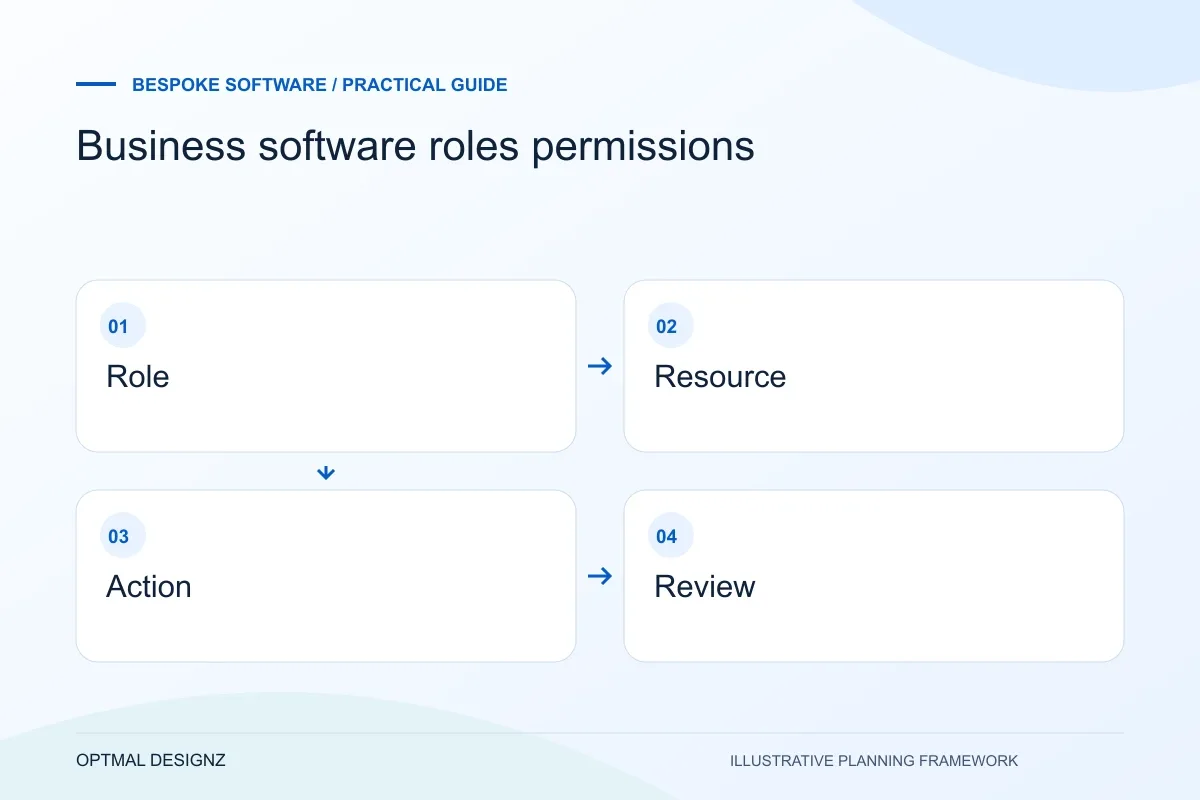
Roles and permissions define which records each user can see and which actions they can take. Plan them around business responsibilities, including who can approve, export, correct or delete information.
Create an access matrix around real tasks, sensitive actions, branch boundaries and staff changes, then turn it into acceptance tests.
Test the denied actions as carefully as the allowed ones. Include transferred staff, removed users and shared accounts in the access review.
A practical example to test the choice
A branch employee may need to create a stock-transfer request but not approve it or change another location’s stock. A central reviewer needs a different set of actions.
This is an illustrative planning scenario, not a claim about a completed client project. Use your own records and operating rules to confirm whether the approach fits.
Describe access as actions on records
A list of roles such as administrator, manager and user is only a starting point. For each role, specify which records it can view, create, change, approve, delete or export. Include boundaries such as branch, customer account or assigned job, because two people with the same job title may need different record access.
Ask who needs to perform sensitive actions and why. Exporting a whole customer list or changing an approved invoice may require different controls from correcting a draft note. Keep the matrix understandable enough that the business owner can review it without reading application code.
Define the Oman operating model behind the request
Write down a representative task, the users involved and the record that proves it is complete. A trading company may pass an order from a Muscat office to a warehouse; a service business may need a customer portal and internal approval. The useful software scope follows the task rather than a list of fashionable modules.
Establish which records belong to a branch, warehouse or legal entity. Agree OMR handling, language fields, authorised access and the existing systems that need to connect. Review hosting and personal-data arrangements with the responsible business owners before using live information in a prototype.
Include changes in responsibility
Plan what happens when a staff member joins, changes team, covers an absent colleague or leaves. Decide who approves those changes and whether temporary access has an end point. Avoid assuming that everyone helping with an urgent task needs a permanent administrator account.
OWASP recommends considering authorization explicitly and reviewing permissions as the system changes. Its guidance also distinguishes authentication from authorization. The implementation should enforce access where requests are handled, not rely only on hiding a navigation link from a user.
Turn the matrix into positive and negative tests
A permission test should check that an authorised user can complete a task and that another user cannot reach the same action or record. Include direct links, exports and cross-branch records where relevant. A normal demonstration of a manager’s dashboard will not reveal every access-boundary mistake.
Agree which access changes and sensitive actions need an audit record, who can review it and what information belongs there. Revisit the matrix when new modules or integrations arrive. The original role names do not automatically describe the new capabilities safely.
Write approval examples beside the matrix
An access matrix becomes clearer when each sensitive action has a worked approval scenario. Describe the requester, permitted approver, record boundary and expected result when approval is absent. Use ordinary business terms so the record owner can challenge an unsuitable rule. Include a direct request or exported record in the technical test plan where relevant. A role name or checkbox should be traceable to a business decision rather than becoming permission simply because a product offers the option.
| Action | Approval example to agree |
|---|---|
| Change a draft | Which owner may correct the record? |
| Approve a final record | Which role can authorise the transition? |
| Export data | Which records and purpose justify access? |
Worked example: a planning exercise
Hypothetical example: branch managers can update local stock but should not change another branch’s prices. The matrix separates viewing all-branch availability from editing a local quantity and approving a central price. The test suite includes a manager attempting an update through a direct request to another branch’s record.
Your practical checklist
Use these checks to turn the discussion into decisions that can be assigned, tested and reviewed.
- List resources and actions rather than role names alone.
- Specify branch, customer and assigned-record boundaries.
- Name who approves sensitive and temporary access.
- Include joiner, mover and leaver scenarios.
- Test permitted tasks and attempted access outside the role.
- Review the matrix after adding features or integrations.
Apply the checklist to your Oman project
For an Oman software brief, trace a hand-off between the teams and locations that actually use the process. Include delayed responses, OMR values where relevant and the data that must remain consistent across the current applications.
Use the example above to discuss business software roles permissions with the people who will use or approve the result. Ask a supplier to demonstrate the expected output, explain a failure case and identify what is excluded from the proposal.
Related services and next steps
Sources and further reading
Check source guidance directly, especially where platform details or requirements can change.