
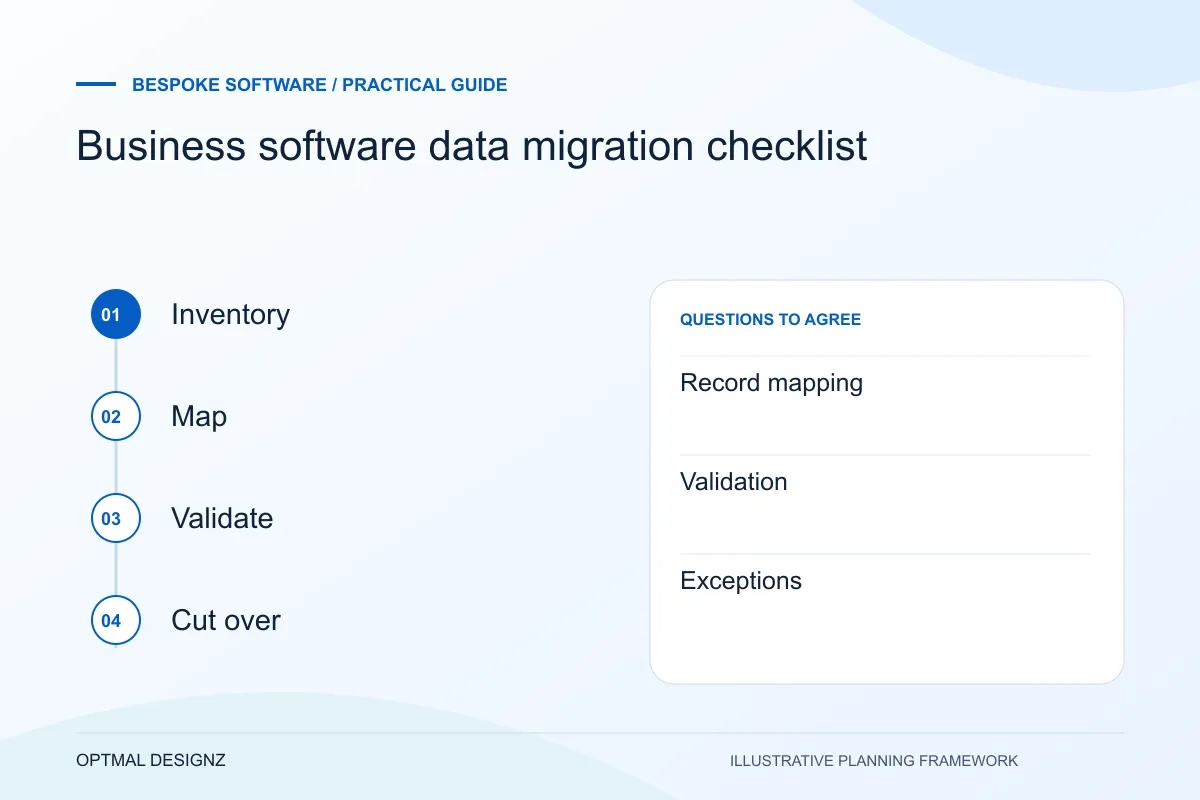
The decision this guide helps you make
Data migration moves selected records from one system to another while preserving the information and relationships the business still needs. It requires mapping, cleaning, test imports and reconciliation, not simply copying a file.
Plan record cleanup, mapping, sample imports, reconciliation and cutover so a migration is judged by usable information rather than a completed file transfer.
Agree what to migrate or archive, approve identifier rules, compare counts and totals in a trial run, and define the cutover and recovery plan.
A practical example to test the choice
A customer appears under two names, and orders use both identifiers. Importing both without a matching rule can create duplicates or disconnect the order history.
This is an illustrative planning scenario, not a claim about a completed client project. Use your own records and operating rules to confirm whether the approach fits.
Decide what should move and what should remain historical
Inventory the sources, record types, attachments and relationships the new system needs. Identify the authoritative copy and the business owner of each set. Separate active operational records from historical material that may only need a controlled archive or export. The decision should follow agreed business and retention needs.
Review representative data early. Missing identifiers, repeated customers, inconsistent dates and free-text categories can affect the migration design. A supplier cannot reliably estimate cleanup from the number of spreadsheet rows alone, particularly when relationships must be recreated in a new application.
Define the Oman operating model behind the request
Write down a representative task, the users involved and the record that proves it is complete. A trading company may pass an order from a Muscat office to a warehouse; a service business may need a customer portal and internal approval. The useful software scope follows the task rather than a list of fashionable modules.
Establish which records belong to a branch, warehouse or legal entity. Agree OMR handling, language fields, authorised access and the existing systems that need to connect. Review hosting and personal-data arrangements with the responsible business owners before using live information in a prototype.
Agree transformations and validation with the record owners
Create a mapping from each required source field to its destination, including transformations, defaults and rejected values. Ask the owner to review examples. Turning blank fields into invented values may make an import finish while creating records that are misleading to staff.
AWS DMS documentation describes source-to-target comparison and mismatch reporting for its supported database migrations. The general planning lesson is to budget validation alongside movement. Your application may need different tools, but record counts alone are insufficient when values, relationships and totals also matter.
Rehearse the cutover and define acceptance
Use a sample or rehearsal import in an appropriate environment. Reconcile counts, important balances and linked records, then have users complete actual tasks using the migrated information. Record the unresolved exceptions and who can decide whether to correct, exclude or accept them.
Agree when the old system stops accepting changes and how any final updates are captured. Define recovery, access to historical information and the point at which staff start using the new source. Avoid running two editable masters without explicit rules; conflicting edits can undo an otherwise accurate migration.
Maintain an exception-and-reconciliation workbook
For each import run, record the source snapshot, mapping version and validation results. Give rejected or ambiguous records a review status and named decision owner. Link important count and balance checks to the relevant source reports. Re-run the checks after corrections instead of assuming that fixing one rejected row leaves every related value unchanged. This workbook should support the acceptance decision and provide a clear explanation of which data moved, which remained historical and which exceptions still need action.
| Check | Evidence to retain |
|---|---|
| Record mapping | Approved fields, transformations and relationships |
| Validation | Counts, values, totals and linked examples |
| Exceptions | Resolution decision and accountable owner |
Worked example: a planning exercise
Hypothetical example: a service business imports customer records and jobs but discovers that several duplicate customer names share one email address. Before cutover, the owner agrees a matching rule and a review queue for ambiguous cases. Acceptance checks a sample customer’s open jobs and balances, not just the total number of imported rows.
Your practical checklist
Use these checks to turn the discussion into decisions that can be assigned, tested and reviewed.
- Identify authoritative sources, owners and required relationships.
- Review sample data before agreeing cleanup effort.
- Approve field mappings, transformations and rejected values.
- Reconcile counts, values, totals and linked records.
- Rehearse actual user tasks with migrated information.
- Agree the edit freeze, final transfer, recovery and sign-off.
Apply the checklist to your Oman project
For an Oman software brief, trace a hand-off between the teams and locations that actually use the process. Include delayed responses, OMR values where relevant and the data that must remain consistent across the current applications.
Use the example above to discuss business software data migration checklist with the people who will use or approve the result. Ask a supplier to demonstrate the expected output, explain a failure case and identify what is excluded from the proposal.
Related services and next steps
Sources and further reading
Check source guidance directly, especially where platform details or requirements can change.