
The decision this guide helps you make
WordPress and a custom business website are implementation choices, not automatic quality levels. A configured CMS can suit normal publishing; custom development can suit a specialised application or customer journey. Compare the actual tasks and total operating responsibility.
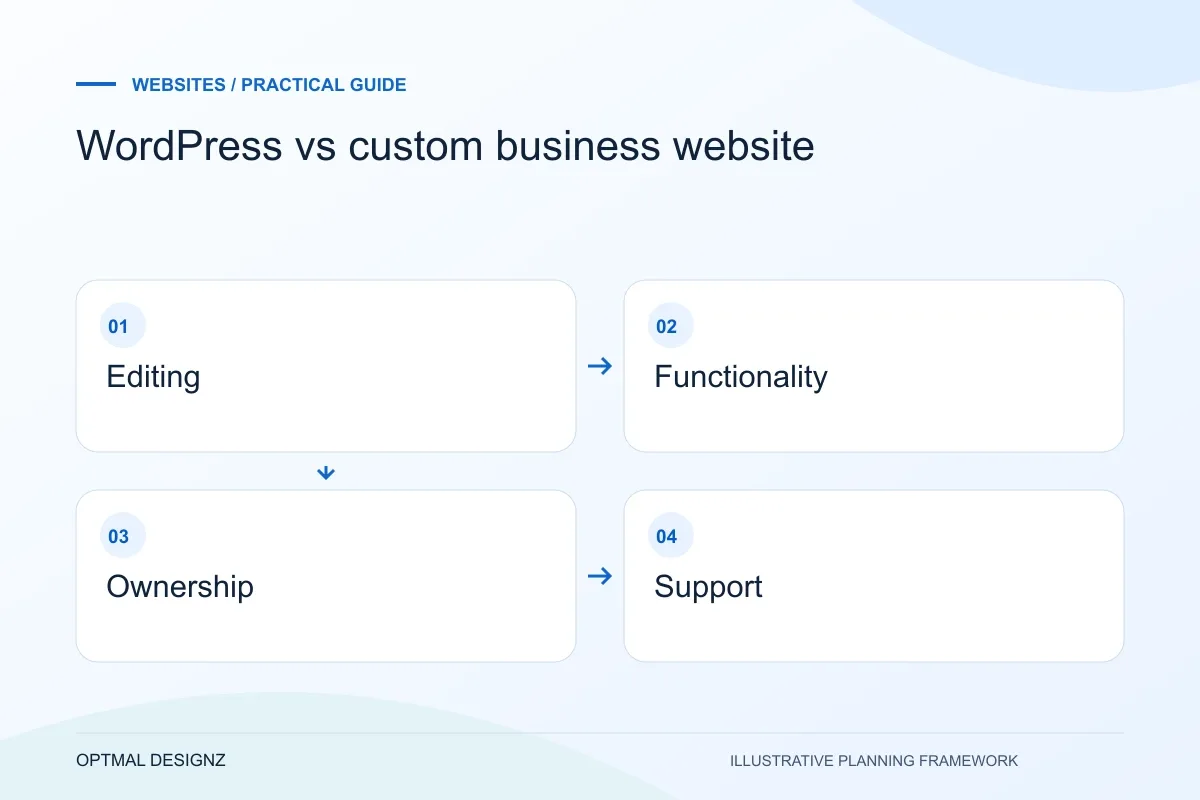
Compare editorial work, functionality, ownership, integrations and maintenance when deciding between WordPress and a custom website implementation.
Compare editing, integrations, access, maintenance, export and future changes. Ask the supplier to demonstrate the difficult requirement before deciding on the technology.
A practical example to test the choice
A consultancy publishing articles may fit a well-configured CMS. A permission-based customer workflow linked to several operational systems may need a separate custom application alongside its public website.
This is an illustrative planning scenario, not a claim about a completed client project. Use your own records and operating rules to confirm whether the approach fits.
Define what custom means in the proposal
Custom design, custom functionality and a custom content system are different things. A WordPress website can have a bespoke design, while a separately built front end may still use an established CMS. Ask suppliers to describe the actual components and which parts are unique to the project.
Begin with required customer and editing journeys. If the website mainly publishes services and articles, the publishing workflow may dominate the decision. A customer portal, complex booking process or deep operational integration brings different architectural questions. Do not choose from a visual mockup alone.
A website brief for UAE audiences
Define the customer task before adding more pages. For a UAE business, list the emirates or delivery areas you actually serve, the information a customer needs and the route from a service or product page to an enquiry. Keep genuine project evidence separate from stock imagery and avoid suggesting a local office unless it exists.
If English and Arabic are required, name the content owner for each language and scope right-to-left layouts, paired pages and translated validation messages. Plan AED display, supported contact channels and mobile form testing where relevant. Country targeting belongs in useful content and regional URLs; repeating city names throughout a page does not replace a clear offer.
Compare the same editing and operating tasks
Request a demonstration of creating a page, changing reusable information and reviewing a draft. WordPress documents its administration tools and access capabilities, but those documents do not prove that every proposed theme or plugin combination fits your team. Test the intended configuration.
For a custom implementation, ask how routine content changes work and what needs a developer. Compare hosting, deployment, extension or library updates, backups and monitoring. Neither route removes maintenance; it changes which components and people need to be involved.
Make ownership and exit options explicit
Confirm who controls the domain, hosting, repository, CMS account and third-party licences. Ask how content and data are exported and how another supplier could take over. Source access is helpful but does not replace documentation, build instructions and an understood support arrangement.
Compare written scopes over the same period and include recurring costs. Avoid claims that one platform is always faster, safer or better for search: implementation, content, operating conditions and ongoing care all matter. The useful choice is the one that fits the brief with responsibilities the business can sustain.
Compare proposals with an operating checklist
Use the same customer tasks, editing exercise and support questions for each architecture. Record which requirements are standard configuration, custom work or dependent on another service. Add the account owner and recurring responsibility for each component. If one proposal excludes migration or editor training, correct the comparison before judging its price. Keep the eventual technology decision alongside the evidence and assumptions so a future maintainer can understand why the system was assembled that way.
| Comparison area | Question for both options |
|---|---|
| Publishing | Can the intended editor complete the real task? |
| Custom behaviour | Which work is included and who maintains it? |
| Handover | Can the business or another supplier operate it? |
Worked example: a planning exercise
Hypothetical example: a consultancy needs frequent article publishing but only one custom enquiry workflow. It compares an established CMS with a small integration against a fully custom editor. The deciding evidence is how its staff publish and maintain content, plus the genuine needs of the enquiry workflow, not whether a supplier describes its stack as modern.
Your practical checklist
Use these checks to turn the discussion into decisions that can be assigned, tested and reviewed.
- Separate bespoke design from custom platform development.
- Demonstrate the same customer and editor tasks on each option.
- List all components, licences and recurring responsibilities.
- Confirm export, account ownership and supplier handover.
- Compare equivalent scope, testing and ongoing care.
- Record why the selected architecture fits the actual brief.
Apply the checklist to your UAE project
For a UAE brief, compare the information needed by a visitor in Dubai, Sharjah or Abu Dhabi and state the service or delivery coverage honestly. Define English and Arabic content ownership, RTL testing and the enquiry destination where those languages are required.
Use the example above to discuss wordpress vs custom business website with the people who will use or approve the result. Ask a supplier to demonstrate the expected output, explain a failure case and identify what is excluded from the proposal.
Related services and next steps
Sources and further reading
Check source guidance directly, especially where platform details or requirements can change.